AI in everyday work
How I use AI to speed up design—without losing judgment.
How I use AI to speed up design—without losing judgment.
How I use AI to speed up design—without losing judgment.
AI helps me compress time on drafts, synthesis, and prototyping. I treat it like a strong intern: useful, not authoritative. Anything high-stakes gets validated.
AI helps me compress time on drafts, synthesis, and prototyping. I treat it like a strong intern: useful, not authoritative. Anything high-stakes gets validated.
I use AI in 3 main areas
Prototyping
Prototyping
Content
Content
Imagery
Imagery
Using AI with prototyping
Using AI with prototyping
Using AI with prototyping
I use AI-powered tools to turn ideas into working prototypes much faster. What earlier required static mockups or heavy Framer setups can now be explored as real, interactive software.
The gap between concept, design, and execution is much smaller—and that matters. The more tangible an idea is, the easier it is to evaluate, align on, and improve. For me, this is about making ideas real sooner, not perfect later.
I use AI-powered tools to turn ideas into working prototypes much faster. What earlier required static mockups or heavy Framer setups can now be explored as real, interactive software.
The gap between concept, design, and execution is much smaller—and that matters. The more tangible an idea is, the easier it is to evaluate, align on, and improve. For me, this is about making ideas real sooner, not perfect later.



Using AI with content
Using AI with content
Using AI with content
Turn technical docs into design briefs
PM and engineering docs are often too technical or too vague to design from directly. Instead of manually rewriting everything, I use GPT to restructure inputs into a clear, design-ready brief—goals, users, constraints, edge cases, and open questions.
It still requires design judgment, but it cuts down the time to reach a usable starting point and lets me move into problem-solving much faster.
PM and engineering docs are often too technical or too vague to design from directly. Instead of manually rewriting everything, I use GPT to restructure inputs into a clear, design-ready brief—goals, users, constraints, edge cases, and open questions.
It still requires design judgment, but it cuts down the time to reach a usable starting point and lets me move into problem-solving much faster.

Making sense of feedback & competitive insights
I often work with messy, unstructured inputs like interview transcripts and support threads. To synthesize this efficiently, I use GPT and Claude to surface recurring themes, extract representative quotes, and organize insights into a structure I can reason about.
When accuracy and traceability matter, I switch to NotebookLM. It grounds insights in source material, reduces hallucinations, and clearly cites where each point comes from—making the output safer to share with stakeholders.
I often work with messy, unstructured inputs like interview transcripts and support threads. To synthesize this efficiently, I use GPT and Claude to surface recurring themes, extract representative quotes, and organize insights into a structure I can reason about.
When accuracy and traceability matter, I switch to NotebookLM. It grounds insights in source material, reduces hallucinations, and clearly cites where each point comes from—making the output safer to share with stakeholders.

Turn dense information into learnable insights
When working with heavy research or complex documents, I use NotebookLM to surface patterns, insights, and summaries with clear source references. It’s more reliable for accuracy-sensitive work since every insight is traceable to the original content.
I often use the audio overview feature to convert material into a short, podcast-style discussion—an easy way to absorb information passively and reflect on it conversationally. Depending on the need, I also use formats like briefs, FAQs, or timelines to break down complexity and make insights easier to share.
Lightweight design feedback
Design work can get isolating, especially when you don’t always have access to timely critique. I use GPT as a first-pass reviewer to pressure-test ideas, spot blind spots, and question clarity—particularly in complex or technical flows.
It’s not a replacement for real design feedback, but it’s surprisingly good at catching accessibility issues and unclear transitions. For me, it works well as an early sanity check before sharing work with teammates.
Turn dense information into learnable insights
When working with heavy research or complex documents, I use NotebookLM to surface patterns, insights, and summaries with clear source references. It’s more reliable for accuracy-sensitive work since every insight is traceable to the original content.
I often use the audio overview feature to convert material into a short, podcast-style discussion—an easy way to absorb information passively and reflect on it conversationally. Depending on the need, I also use formats like briefs, FAQs, or timelines to break down complexity and make insights easier to share.
Lightweight design feedback
Design work can get isolating, especially when you don’t always have access to timely critique. I use GPT as a first-pass reviewer to pressure-test ideas, spot blind spots, and question clarity—particularly in complex or technical flows.
It’s not a replacement for real design feedback, but it’s surprisingly good at catching accessibility issues and unclear transitions. For me, it works well as an early sanity check before sharing work with teammates.
Using AI with imagery
Using AI with imagery
Using AI with imagery
I use AI to quickly create and explore visual assets like icons, illustrations, and supporting images, especially during early concepts and storytelling. It helps me test visual directions, fill gaps in presentations, and communicate ideas faster without blocking progress on perfect assets.
I’m careful about where and how I use it—AI imagery supports the story, not the final product UI. Anything that impacts usability, accuracy, or brand consistency is refined or recreated manually to ensure it meets real-world constraints.

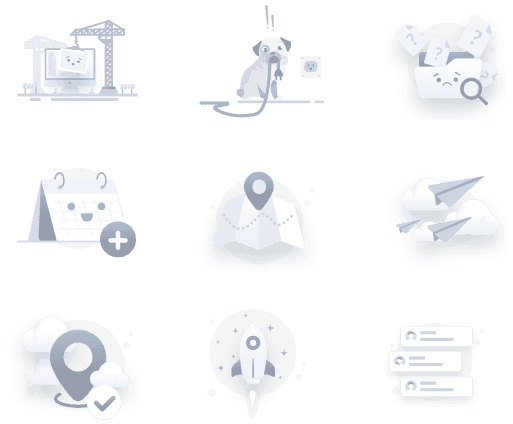
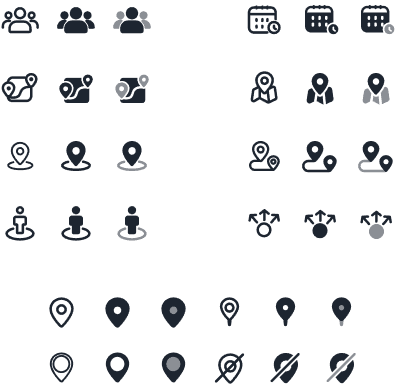
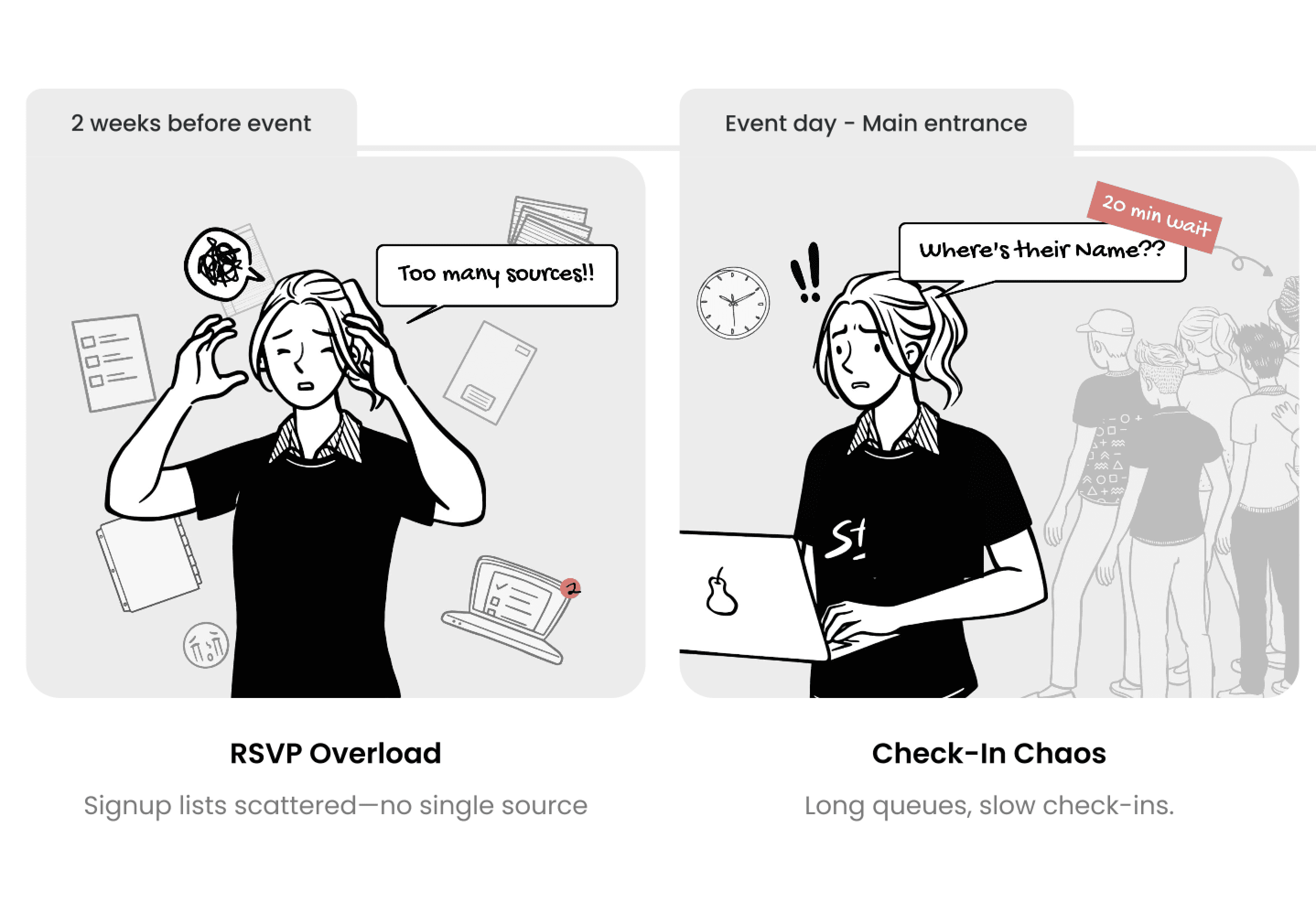
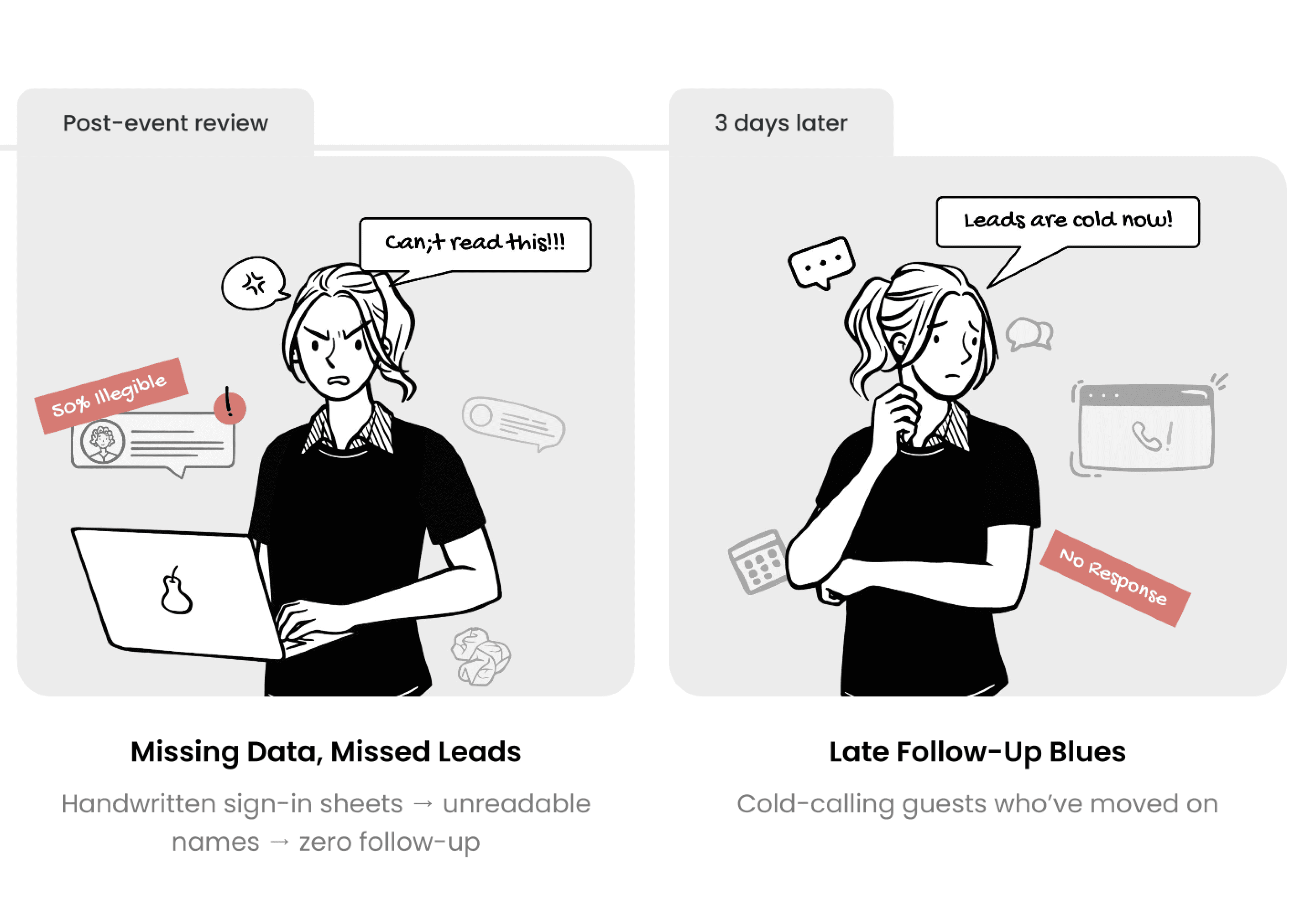
I use AI to quickly create and explore visual assets like icons, illustrations, and supporting images, especially during early concepts and storytelling. It helps me test visual directions, fill gaps in presentations, and communicate ideas faster without blocking progress on perfect assets.
I’m careful about where and how I use it—AI imagery supports the story, not the final product UI. Anything that impacts usability, accuracy, or brand consistency is refined or recreated manually to ensure it meets real-world constraints.
Ready to build something amazing?
I'd love to connect with you!
Ready to build something amazing?
I'd love to connect with you!
Ready to build something amazing?
I'd love to connect with you!